Tools
Image tools for everyday work
Process image batches in one workflow, or crop, rotate, add borders, redact, watermark, compress, resize, convert HEIC, clean metadata, remove backgrounds, create photo outputs, and build PDFs locally.
Scenario tools
Background removal, face privacy and creative image tools

Take photo booth pictures
Use your camera for a free private countdown photo booth, then download, share, or print the finished strip.
Open tool02
Passport photo
Choose a country and document, frame a portrait locally, keep or optionally replace the background, and export for the selected submission path.
Open tool03
Remove backgrounds
Create transparent-background images in your browser with local processing and practical edge controls.
Open tool04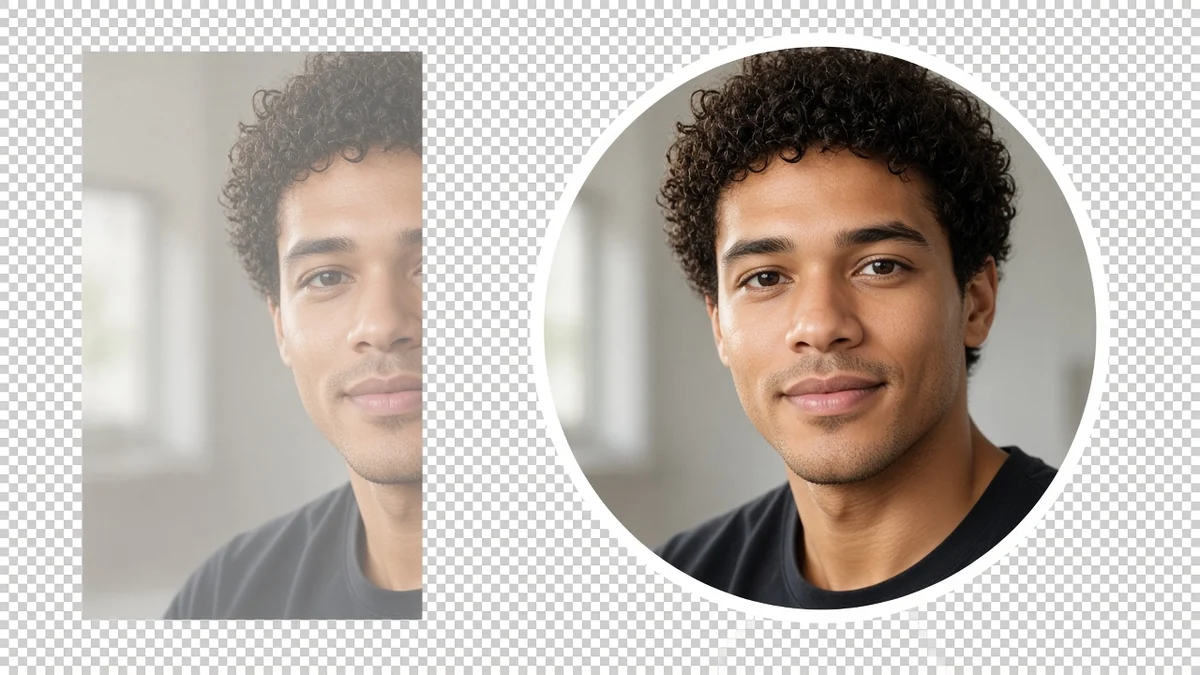
Round avatar
Make a round profile picture in your browser: use a circle crop and download a transparent PNG. Nothing is uploaded.
Open tool05
Signature PNG
Turn a scanned handwritten signature into a transparent PNG in your browser. Ink is kept, paper is removed, and the file stays on your device.
Open tool06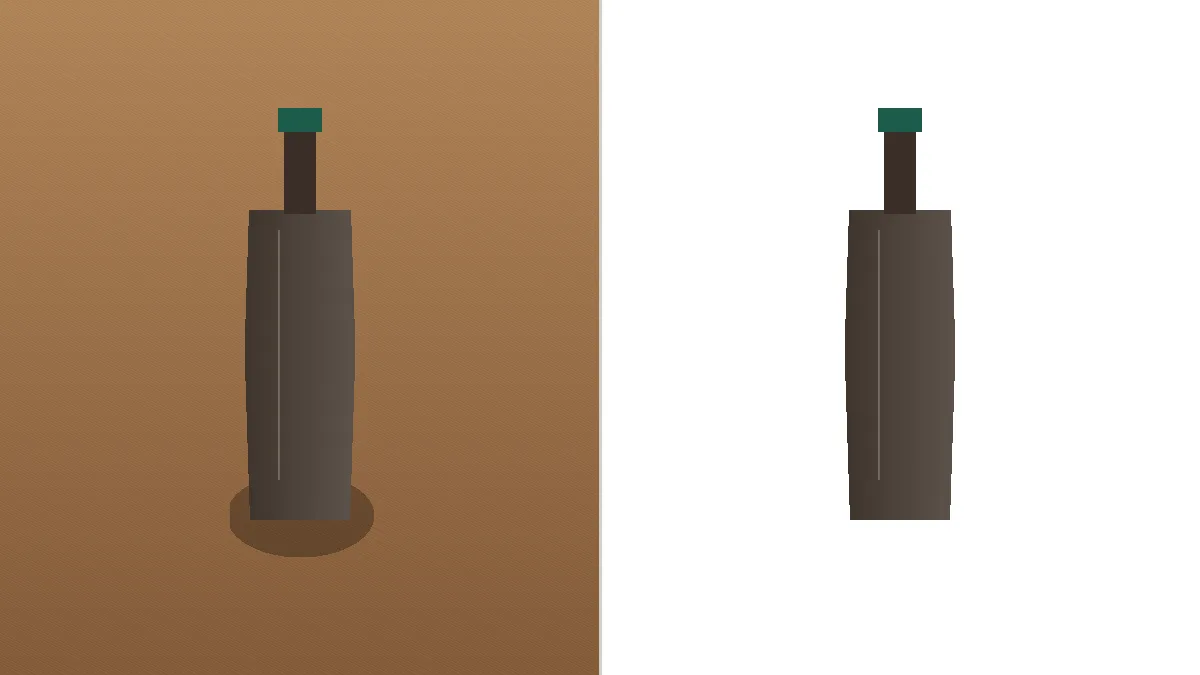
White background product
Turn a product photo into a white-background catalog shot in your browser. The cutout stays on your device, and the preview starts on white.
Open tool07
Blur and hide faces
Detect candidate faces locally, then blur, pixelate, or cover them in a JPG, PNG, or WebP photo. Manual regions can hide other sensitive details.
Open tool08
Make photo strips
Arrange existing JPG, PNG, or WebP photos in one vertical column or horizontal row, then export a printable or share-ready strip.
Open tool09
Export social images
Prepare one image for multiple social platforms with independent framing, source-checked presets, and ZIP export.
Open tool10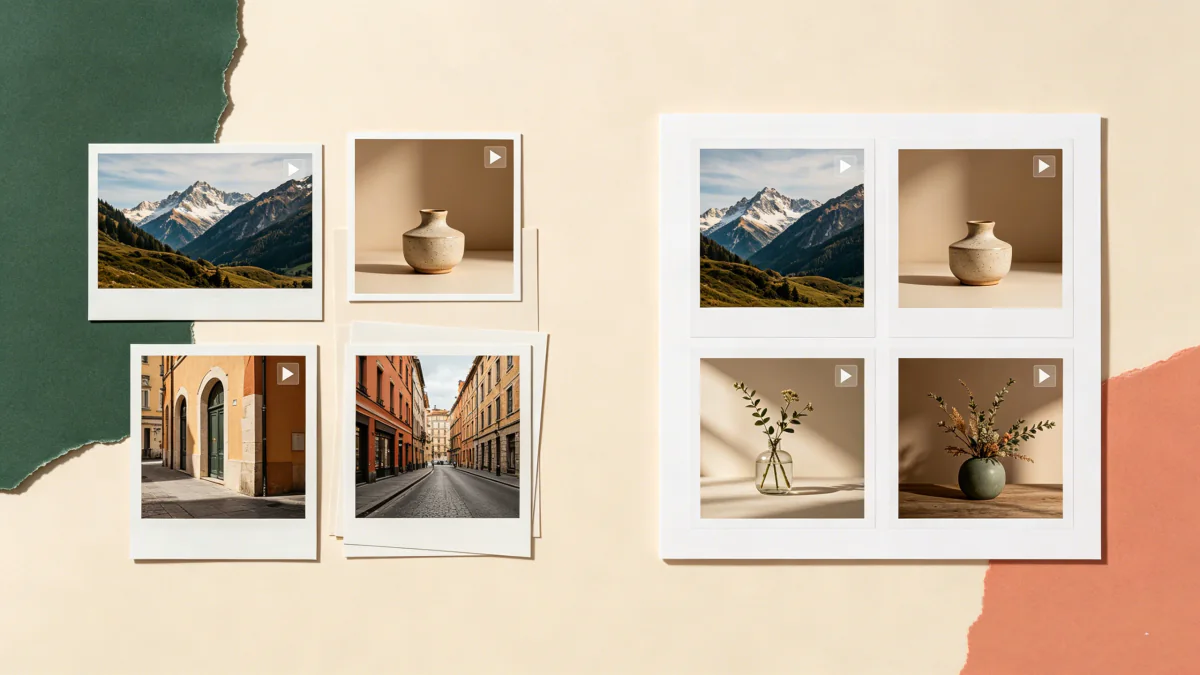
Process images in one workflow
Resize, convert, compress, watermark, rename, and download a batch of JPG, PNG, or WebP images locally in your browser.
Open toolEssential tools
Image utilities
Compress images
Reduce JPG, PNG, and WebP file sizes with clear quality controls and private browser processing.
Open tool02Resize images
Resize images by pixels or percentage while preserving aspect ratio and transparency.
Open tool03Convert images
Convert JPG, PNG, and WebP images in batches without uploading them to a server.
Open tool04Crop images
Crop, rotate, and flip JPG, PNG, and WebP images with precise aspect ratios and local processing.
Open tool05Rotate and flip images
Rotate JPG, PNG, and WebP images by 90° or any angle, flip them, and export locally with a clear canvas strategy.
Open tool06Add image borders
Add outside padding, an inside stroke, or a target canvas to JPG, PNG, and WebP images without cropping the original.
Open tool07Watermark images
Add a text or logo watermark to one image or a whole batch without uploading your files.
Open tool08Create a PDF
Combine JPG, PNG, and WebP images into one ordered PDF with document presets, private local processing, and no sign-up.
Open tool09Remove metadata
Remove common EXIF, GPS, camera, and software metadata from JPG, PNG, and WebP images locally.
Open tool10Combine images
Merge 2–10 JPG, PNG, or WebP files vertically or horizontally with spacing, padding, and local export.
Open tool11Convert HEIC
Convert iPhone HEIC and HEIF photos to JPG, PNG, or WebP locally in your browser.
Open tool