

Choose or paste one image
Use a static JPG, PNG, or WebP image. Clipboard paste is an optional browser enhancement.
Local detection with manual review
Detect candidate faces locally, then blur, pixelate, or cover them in a JPG, PNG, or WebP photo. Manual regions can hide other sensitive details.
JPG, PNG, and WebP
Choose or paste one image, detect candidate faces locally, then review or add precise blur, pixelation, and solid-cover regions.

Face Blur app
Face Blur detects faces on your device, covers them in photos and videos, and exports a share-ready copy. Nothing uploads to Pixlery.
Open the Face Blur page →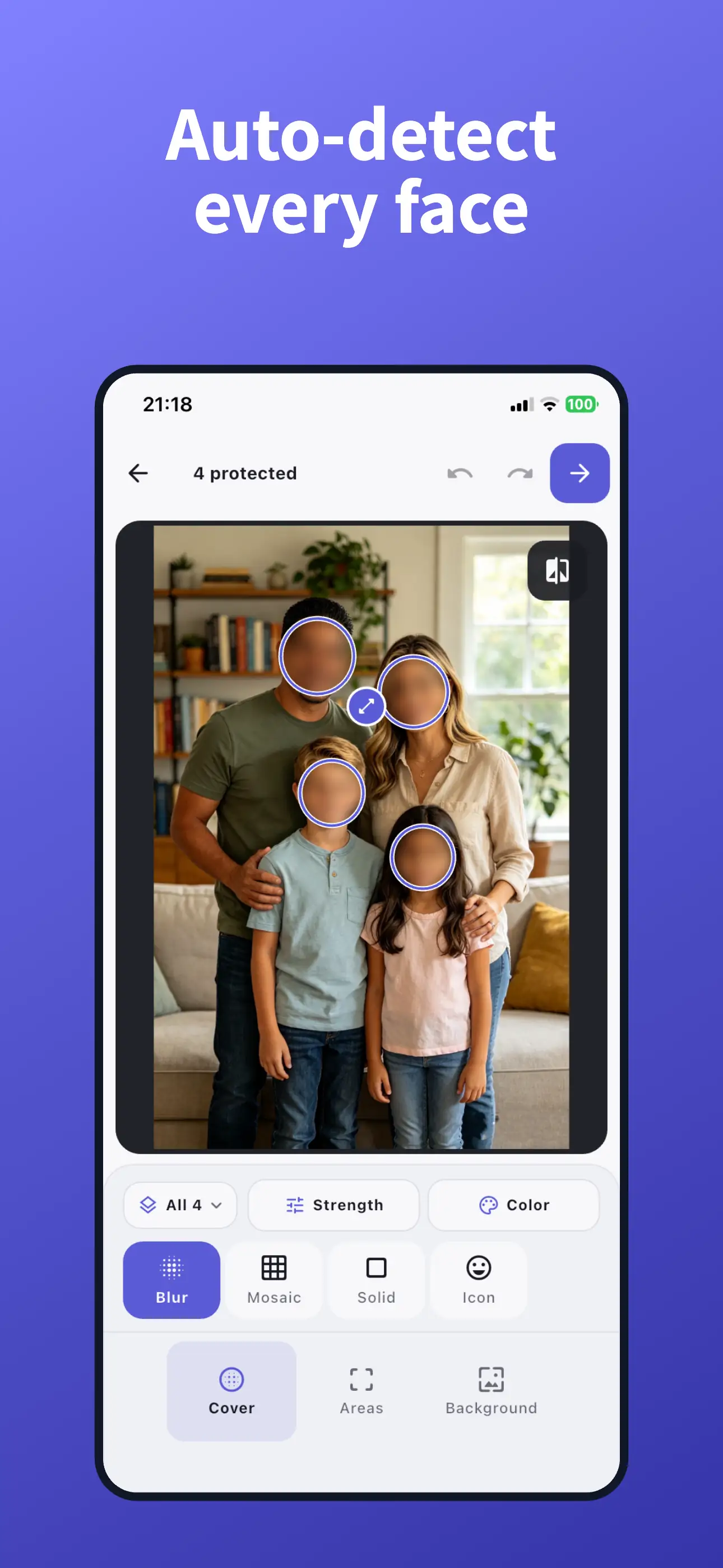
01
Use a static JPG, PNG, or WebP image. Clipboard paste is an optional browser enhancement.
Run local face detection for editable suggestions, then add rectangle, ellipse, or brush regions for anything it missed.
Check the complete image, choose Blur, Pixelate, or Solid Redaction per region, then export from the original pixels.
02
The detector loads only after you click and suggests editable regions without identifying people or uploading the image.
Move, resize, delete, or supplement every suggestion; plates, text, reflections, and missed faces remain your review responsibility.
Solid regions replace the exported pixels rather than hiding a recoverable layer.
03
No. Small, distant, side-facing, occluded, or reflected faces can be missed. Review the full image and add manual regions.
It replaces the selected output pixels with a color. Keep the original private, and inspect the exported copy before sharing.
No. Use Solid Redaction for passwords, account numbers, identity numbers, and similarly sensitive text.
No. Supported images, face suggestions, and edits stay in the browser session.
04
Choose the visual treatment based on what the hidden detail means: blur and pixelation hide appearance, while solid redaction replaces sensitive pixels.
GuideHow to blur a face in a photo for privacyUse local automatic face detection to suggest editable Blur regions, then review the full frame for missed faces, reflections, and other identifying clues.